Earlier Year Update |
  
|
Earlier Year Update |
|
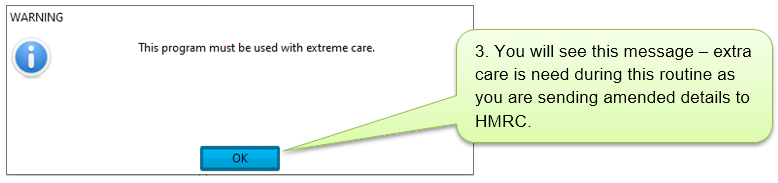
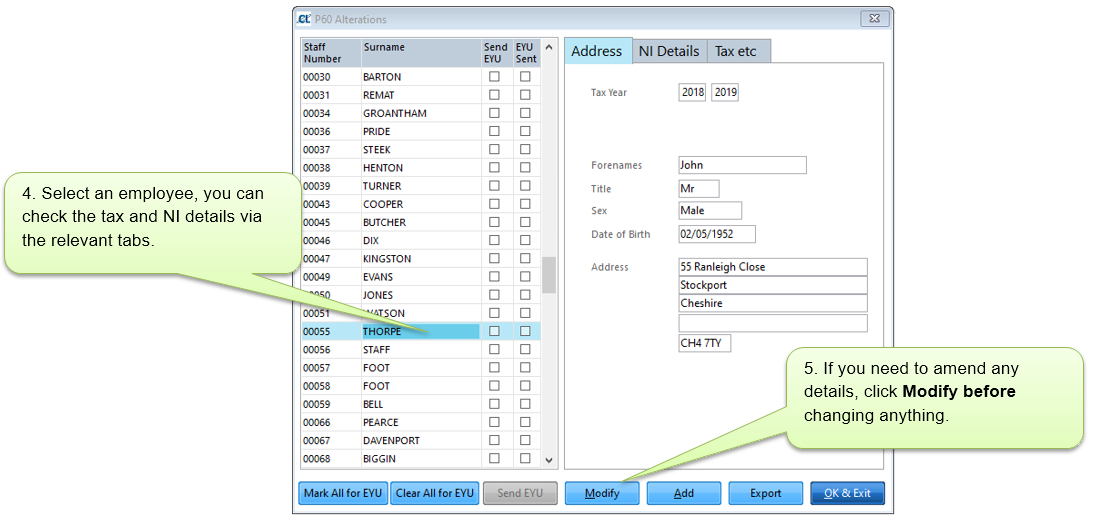
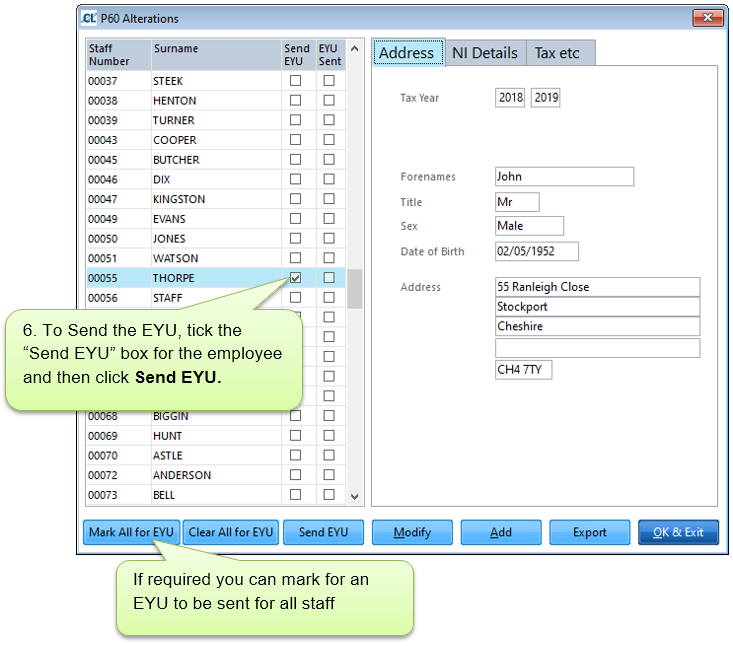
Occasionally it may be necessary to amend the figures for an employee submitted to HMRC for a previous year via an Earlier Year Update (EYU). This process can be done through Site Manager for the tax year 2018-19 onwards as long as the original submissions were made using the system.
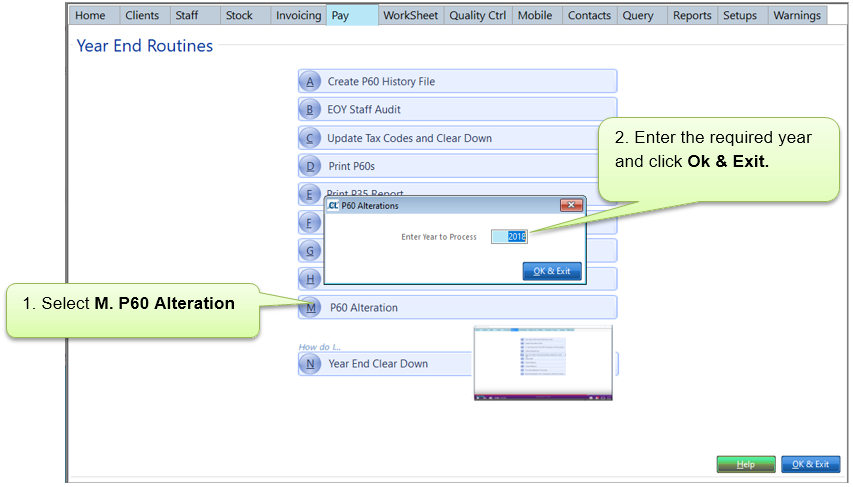
To send an EYU, access Pay > E. Year-End > M. P60 Alteration.
IMPORTANT NOTE: If the 'Create P60 History File' is run after an EYU, then this information will be lost, and the data reset based on the existing staff history of pay.
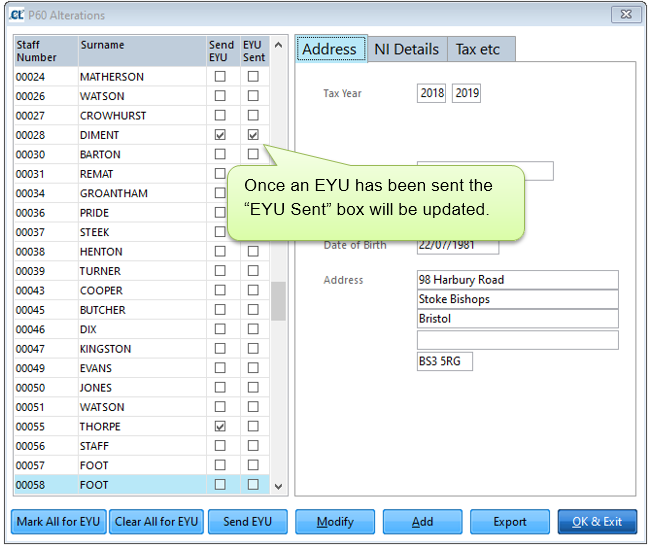
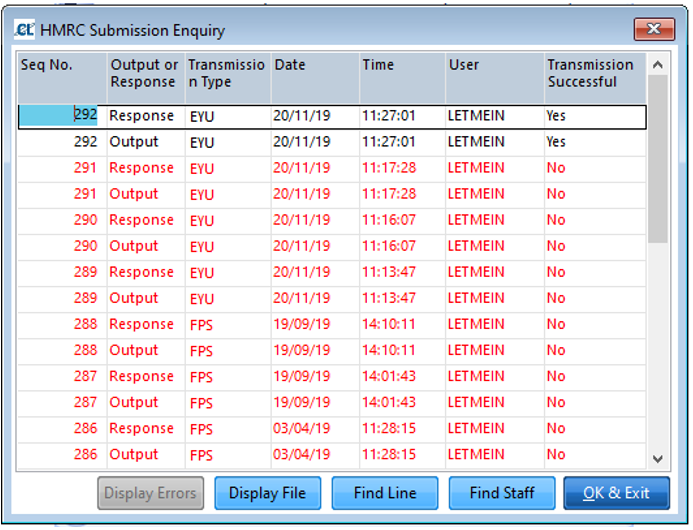
Once an EYU has been sent it will show in your HMRC Submission History as Transmission Type “EYU”.