Viewing Staff Qualifications |
  
|
Viewing Staff Qualifications |
|
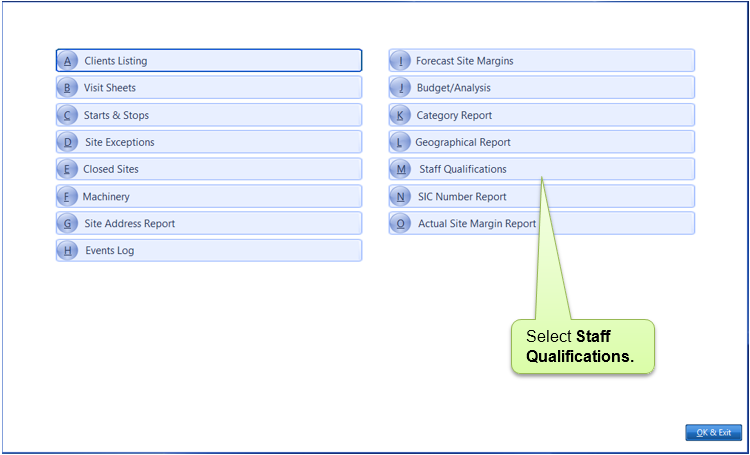
A Staff Qualifications Report is available from anywhere In CleanLink Site Manager by right-clicking and selecting Chairman's Reports.
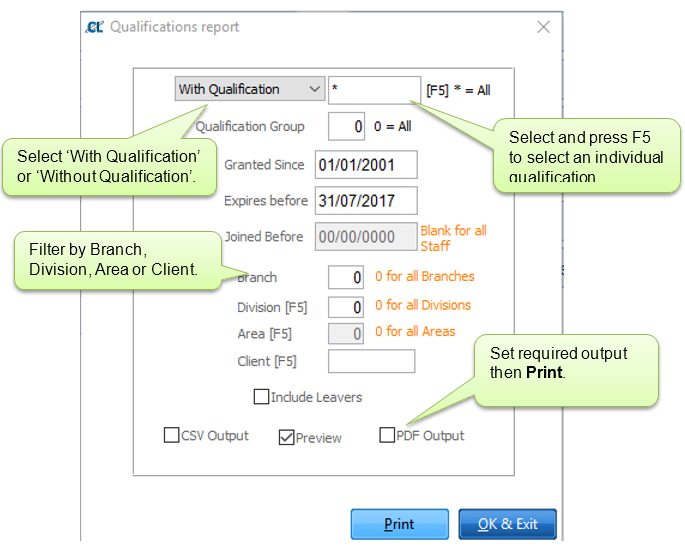
Set filters for the required report. Default settings are for all qualifications and all staff with qualifications granted since 01/01/2001 and expiring before the end of the current calendar month.
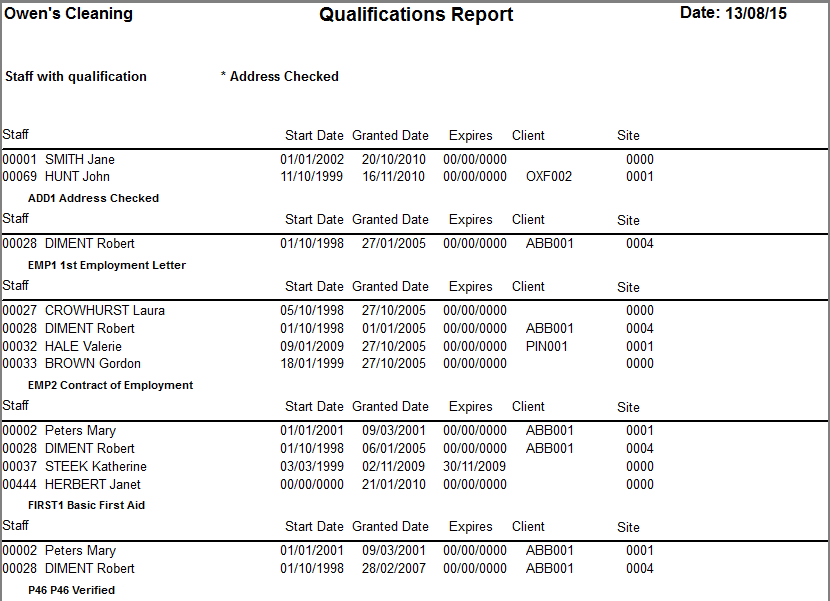
Example Report: