Printing Invoices |
  
|
Printing Invoices |
|
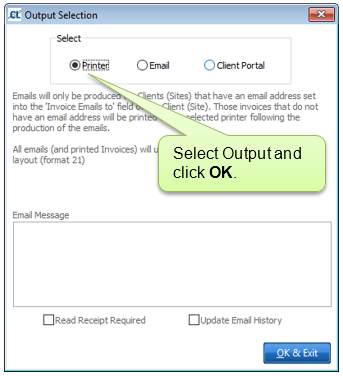
The printing of current invoices is covered in the Regular Invoicing and One-Off Invoices sections. Historic invoices can be printed in three main ways. You can print invoices for an individual Site, for a run of invoice numbers or print a selected invoicing cycle in full.
This option enables you to print individual or multiple invoices for a selected site. Navigate to Clients (select Client) > Sites (select Site) > Invoice History.
Print an individual invoice:

Print multiple invoices:

Navigate to Invoicing > G. Batch Print/Email Invoices

Navigate to Invoicing > A. Invoice Cycles > Select Cycle > Print. This will print all invoices from the selected cycle.