Managing Quality Control and Site Visits |
  
|
Managing Quality Control and Site Visits |
|
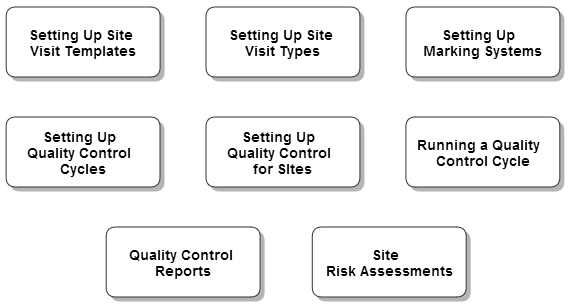
Quality Control (QC) is a process of inspecting and applying a marking system to the standard of work observed at Client Sites. In CleanLink, the QC process works in the same way as other CleanLink functions by way of regular cycles. The inspections can be produced either in paper format for manual marking, or sent to mobile devices for electronic completion and return. Marking systems available are 1 - 10, 1 - 5 and traffic lights (Red, Amber, Green), Only the latter two can be used on mobile devices. Before starting the marking process, it is first necessary to set up some base information in the Quality Control Tab, and then requires setting up QC activities for each Site.
For each site, QC is typically used to schedule regular site or client visits in order to inspect work and to log any further actions that are required. Each action has the facility to log a Response. Ad-hoc visits & contacts can also be logged for Sites. The log produces a history of visits/contacts with each site, and perhaps more importantly, the lack of contact.